Want vibrant, lasting designs without the look of vinyl? These Cricut Infusible Ink projects offer creative ways to personalise shirts, bags, coasters and thoughtful gifts.
When Cricut introduced Infusible Ink in 2019, it offered crafters a different way to personalise clothing and other everyday items at home. Instead of cutting a design from vinyl and pressing it onto a surface, Infusible Ink uses heat to transfer dye into a compatible blank.
The result is a design that becomes part of the material rather than sitting on top like an iron-on vinyl design.
What makes this process interesting is that you can create your design in two ways.
Infusible Ink Transfer Sheets come in solid colours and patterns that you cut with a Cricut machine, while Infusible Ink Pens and Markers let you draw your own artwork on laser copy paper before transferring it with heat. You don’t need a sublimation printer to use either option.
However, the blank matters: ordinary 100% cotton isn’t suitable for the intended transfer, and Cricut recommends using blanks marked as Infusible Ink compatible for the most reliable results.
Once you understand these basics, there are plenty of ways to put the technique to use, from coordinating shirts for a family celebration to personalised tote bags, coasters and gifts.
The following 25 easy Cricut projects using Cricut Infusible Ink will help you find ideas worth making while understanding what materials each project needs and what to consider before you begin.
For beginners hoping to turn their crafting skills into extra income, these 21 Simple Cricut Projects for Beginners That Actually Sell offer product ideas to evaluate based on material costs, production time, and customer demand.
Easy Cricut projects using Cricut Infusible Ink
Everyday Clothing and Useful Gifts
1. Matching Family Reunion T-Shirt Set
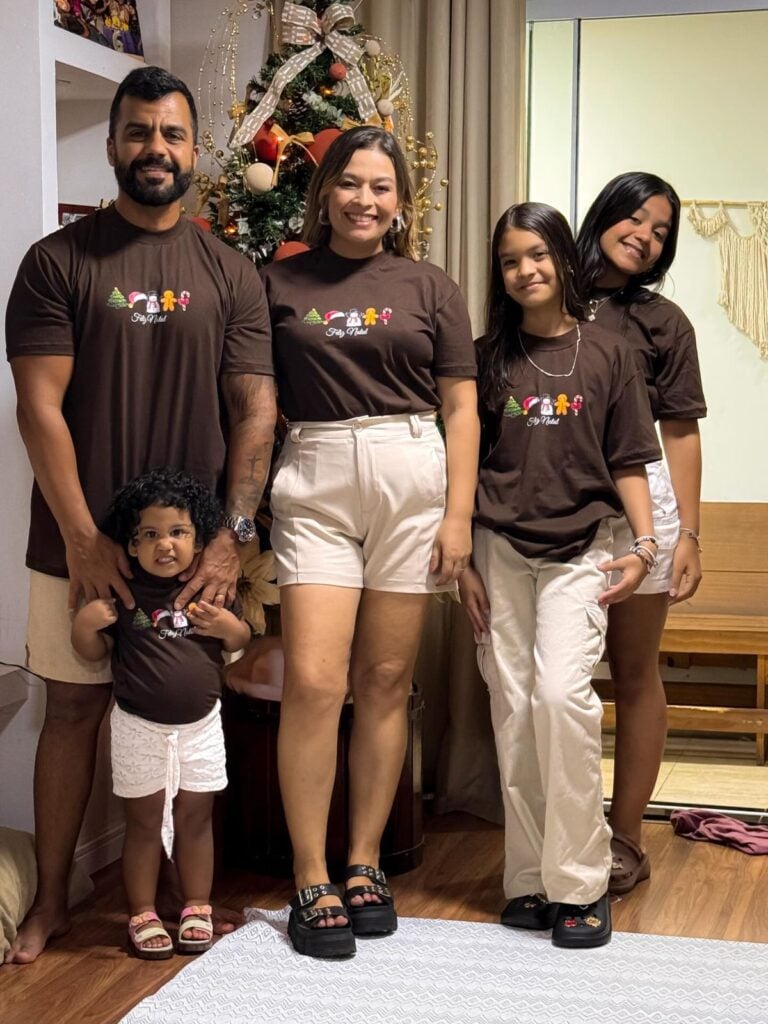
Family reunions often bring together grandparents, parents, children and relatives who may not see one another often.
Matching T-shirts can help everyone feel part of the gathering, and Cricut Infusible Ink lets you create a coordinated design without adding a separate vinyl layer to the shirts.
For example, use a simple family name, the reunion year and a small tree graphic with branches representing different generations.
Another option is a shared design featuring the family surname on the front and each person’s first name on the back. Keep the main artwork the same across all the shirts so the set looks coordinated, even when the shirt sizes differ.
Here is the practical part: choose compatible, light-coloured shirts before designing. Create the artwork once in Cricut Design Space, then resize it to suit each shirt rather than cutting the same dimensions for a small child’s shirt and an adult’s XL.
Measure the flat area on each garment and keep the design away from seams and collars, where the press may not make even contact.
Mirror the design before cutting your Infusible Ink Transfer Sheet, and follow the recommended heat settings for the specific blanks.
For a large family, make one test shirt first. It gives you a chance to check the design size, placement and finished colours before using materials for the whole group.
2. Personalised Gym or Walking T-Shirt
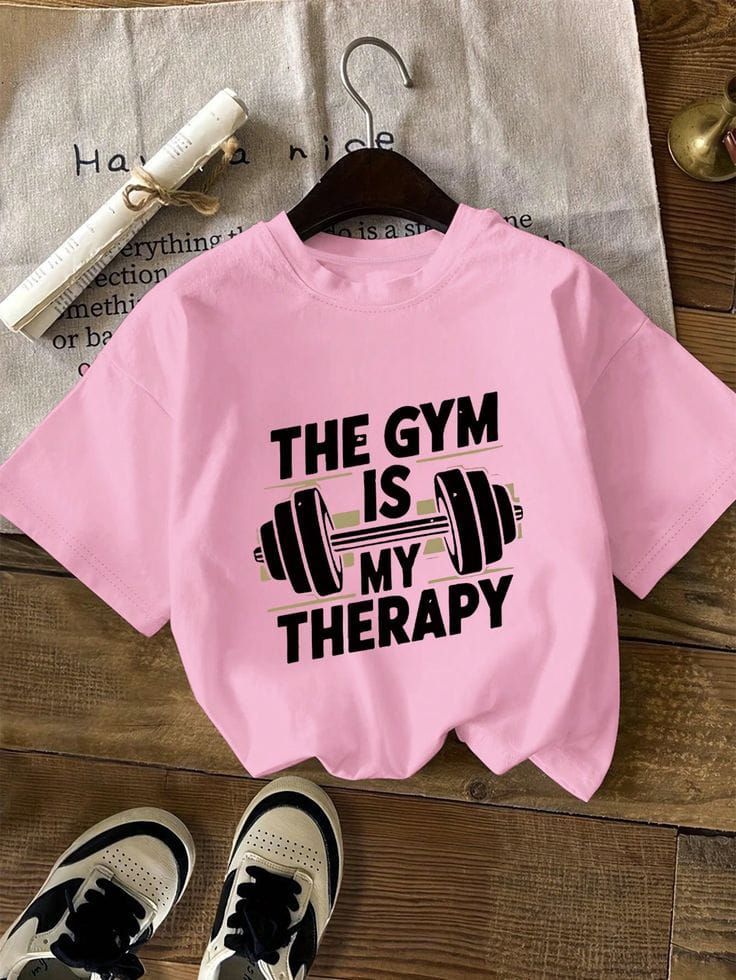
A walking group that meets every Saturday, a neighbourhood fitness club or a group preparing for a charity walk can use matching T-shirts to make the team easier to recognise.
Instead of a large design covering most of the shirt, create a small walking-shoe graphic with the group name or a simple line drawing of a person walking. For a personal version, use a short phrase such as “One More Mile” or add the wearer’s name beneath the graphic.
For this Cricut project using Cricut Infusible Ink, choose a compatible, light-coloured shirt and keep the design within a flat area where the heat press can make even contact. Infusible Ink works best on compatible blanks, not ordinary 100% cotton shirts.
Before cutting, measure the shirt and size the design to fit; a graphic that looks balanced on an adult’s shirt may overwhelm a smaller size. Use the Cricut Heat Guide to check the recommended settings for your blank and heat press.
3. Baby Bodysuit With a Simple Birth-Season Design
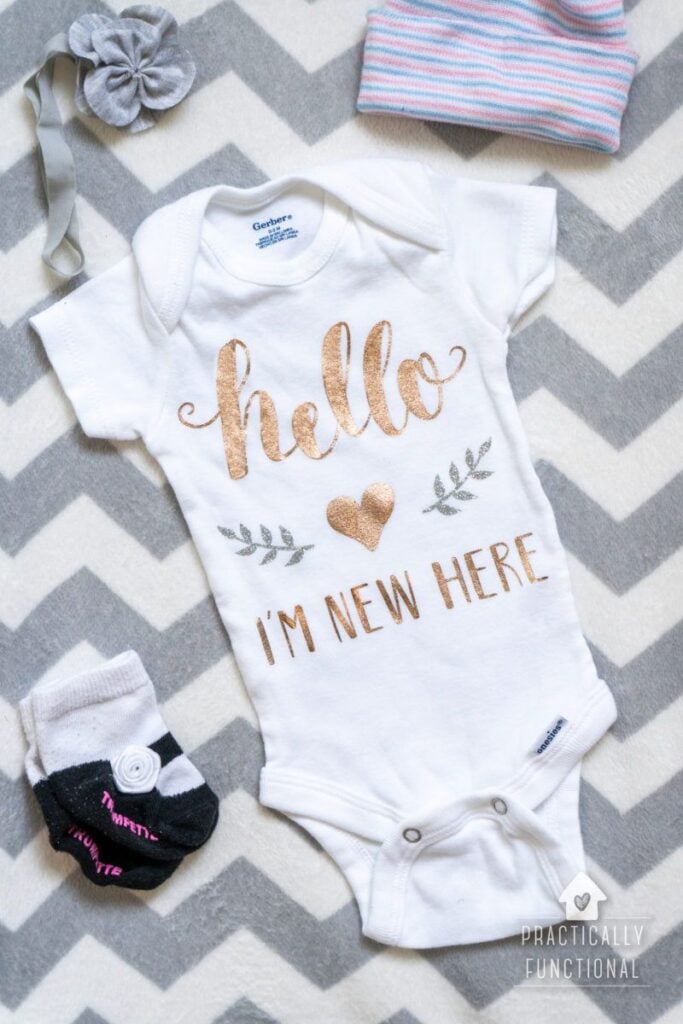
Baby born in December might have a little snowflake design, while a baby born in spring could have flowers or tiny leaves. You could also use the baby’s birth month and year with a small sun, star or animal illustration.
These designs make thoughtful baby-shower gifts without crowding the front of the bodysuit.
Choose a compatible Infusible Ink baby bodysuit and keep the design clear of the neckline, leg openings and other seams. Seams can create uneven pressure under the heat press, which may leave parts of the transfer faded or distorted.
For Cricut’s baby bodysuit blank, place a small EasyPress Mat covered with cardstock inside the bodysuit to raise the design area above the seams.
Follow the specific blank’s pressing instructions, and make sure the internal mat does not create an uneven surface.
4. Matching Couple’s T-Shirt Pair
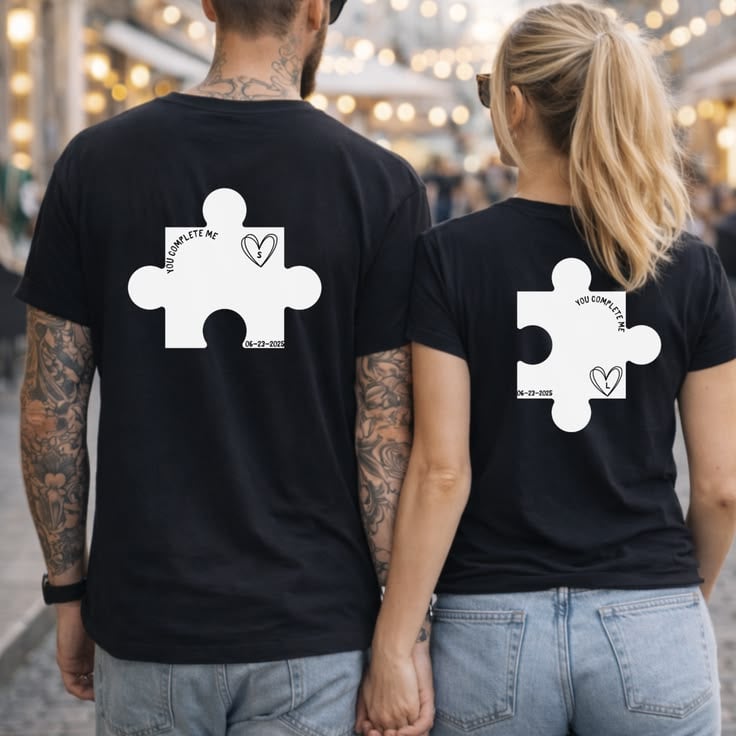
For an anniversary, a shared holiday or a couple who enjoy the same hobby, create two shirts with designs that relate to each other.
For example, one shirt could feature a simple sun and the other a moon, or one could say “Book One” and the other “Book Two” with matching book illustrations. Couples who travel together could use the same mountain outline with different destination details.
To keep the pair coordinated, use the same design style, colours and placement, but adjust the artwork size to suit each shirt.
Choose compatible, light-coloured blanks and check the available flat pressing area before finalising the design.
Remember to mirror your Infusible Ink Transfer Sheet design before cutting. If you are making several pairs for an event, test one shirt first so you can check the sizing and placement before using the remaining materials.
5. Volunteer Team T-Shirt
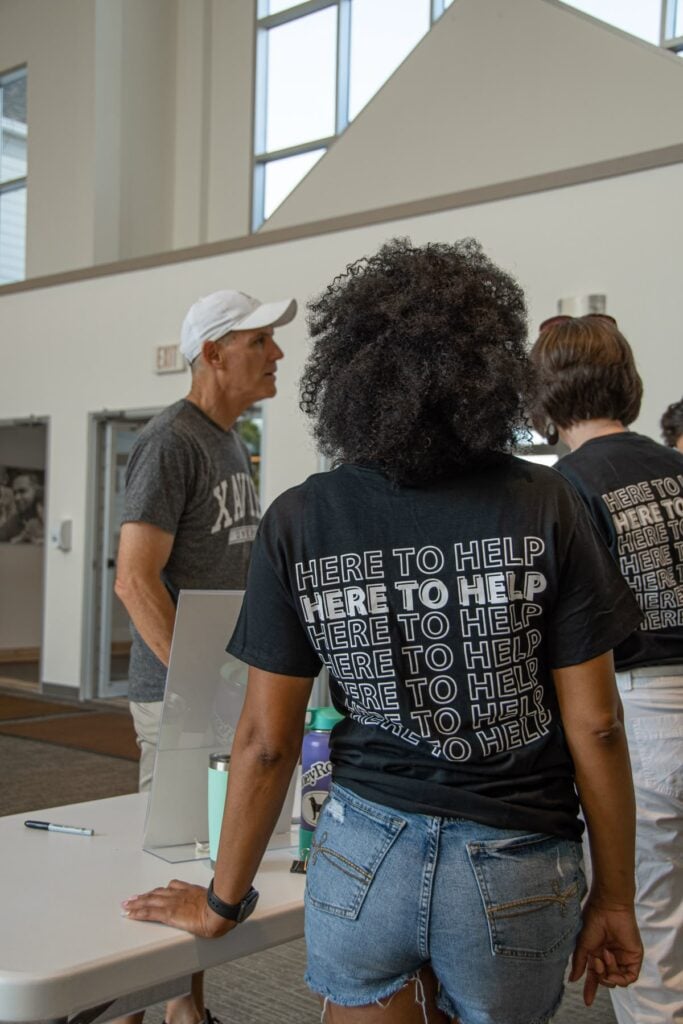
Church volunteers, school event helpers and community clean-up teams often need shirts that help visitors identify whom to approach.
A simple design such as a helping hand, an open book for a reading event or a small leaf for a community clean-up can make the shirts recognisable without filling the front with text.
For example, a school reading day could use the same open-book graphic on every shirt, with “Reading Team” beneath it. Keep the lettering large enough to read at a glance and avoid thin, intricate details that may be difficult to cut and weed.
Use compatible, light-coloured shirts, and keep the design placement consistent across the set. If the team needs shirts in many sizes, create one master design in Cricut Design Space and resize it for each garment rather than assuming one measurement will suit everyone.
For a large order, make one sample before cutting all the designs. This helps you check the finished appearance and avoid wasting Infusible Ink on a shirt that does not meet your expectations.
6. Simple Team or Club Practice Shirt
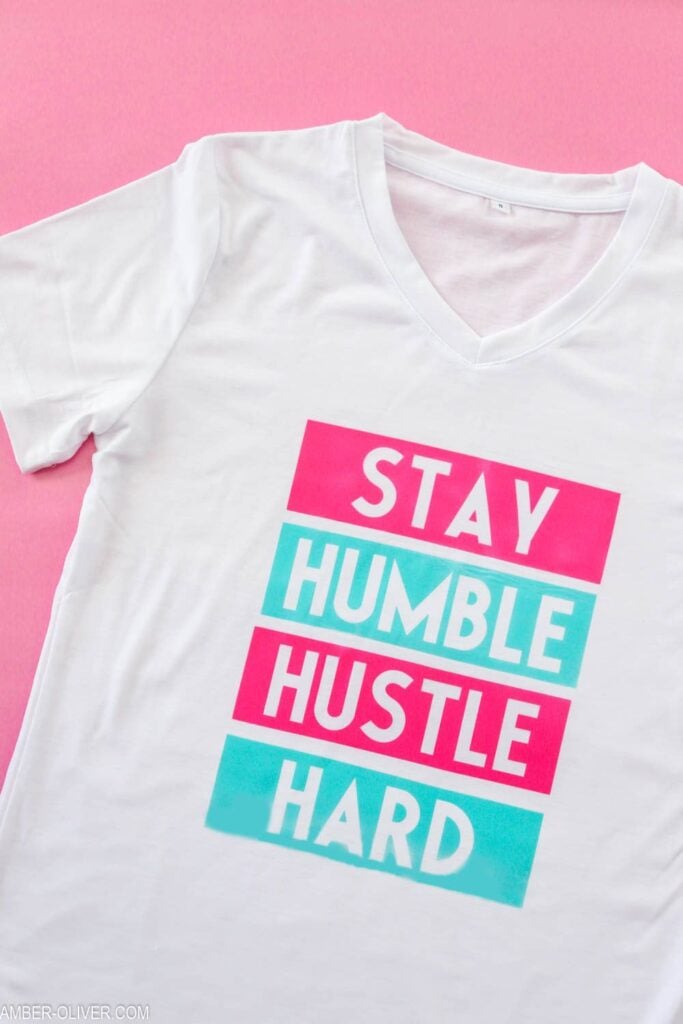
A recreational football club, school athletics group or weekend cycling team could use a simple emblem on its practice shirts.
For example, a local running club might use a shoe with a route line, while a community basketball group could use a bold ball silhouette and the team’s initials. A clear graphic is often more practical than a detailed crest with tiny lettering.
The key is to check the garment before choosing Infusible Ink. Not every sports shirt is suitable, even when it looks like polyester.
Start with a compatible blank or verify that a third-party sublimation blank is designed for this type of transfer; Cricut cannot guarantee results on every generic blank. Keep the artwork away from seams and raised areas, and follow the heat settings for the exact material.
One important distinction: these ideas are for recreational and practice wear.
If a team needs technical performance shirts, check the garment’s care instructions and fabric construction before applying high heat, since some fabrics can be damaged or marked by pressing.
Learn the basics with these 22 Easy Cricut Projects for Beginners You Can Make at Home, featuring approachable projects to practise with your machine.
Bags and Personal-Use Items
7. Library or Book-Club Tote Bag
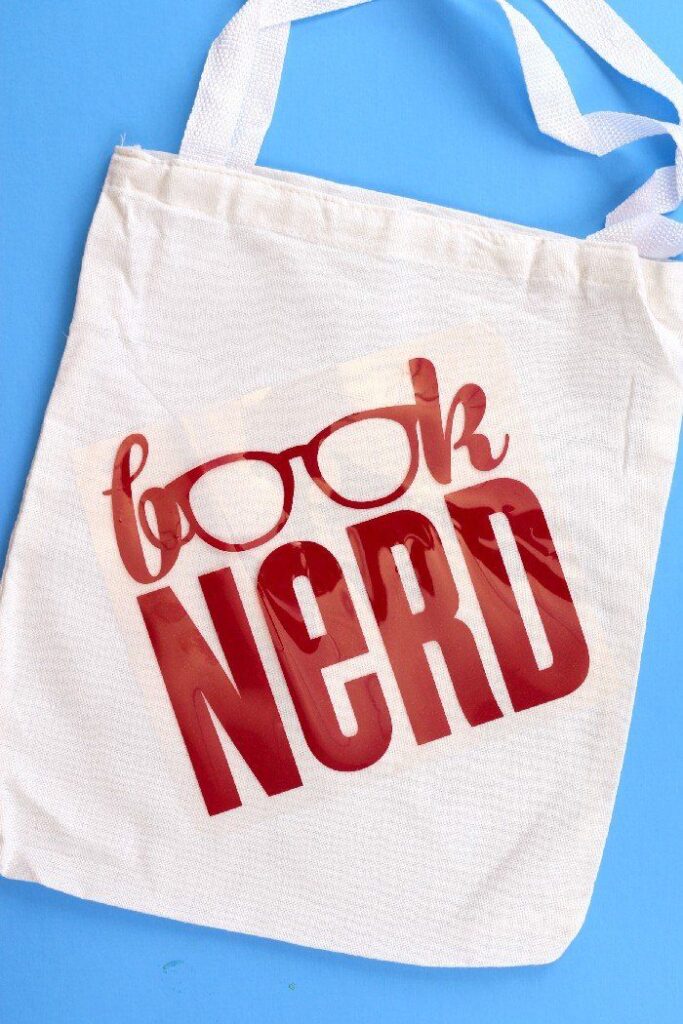
Book lovers often carry a notebook, a library book and a few small essentials when heading to a reading group. Personalise a compatible tote with an open-book illustration, a stack of books or a tiny reading-themed design.
For a book club, you could use the group’s name alongside a simple book symbol, making the bags useful for meetings or as gifts for members.
Keep the artwork on the main flat panel rather than placing it across the bottom gusset or close to the handles.
Those areas can make it harder to position the design evenly under the press. Before buying the tote, check that its material is suitable for Infusible Ink.
8. Travel Toiletry or Cosmetic Bag
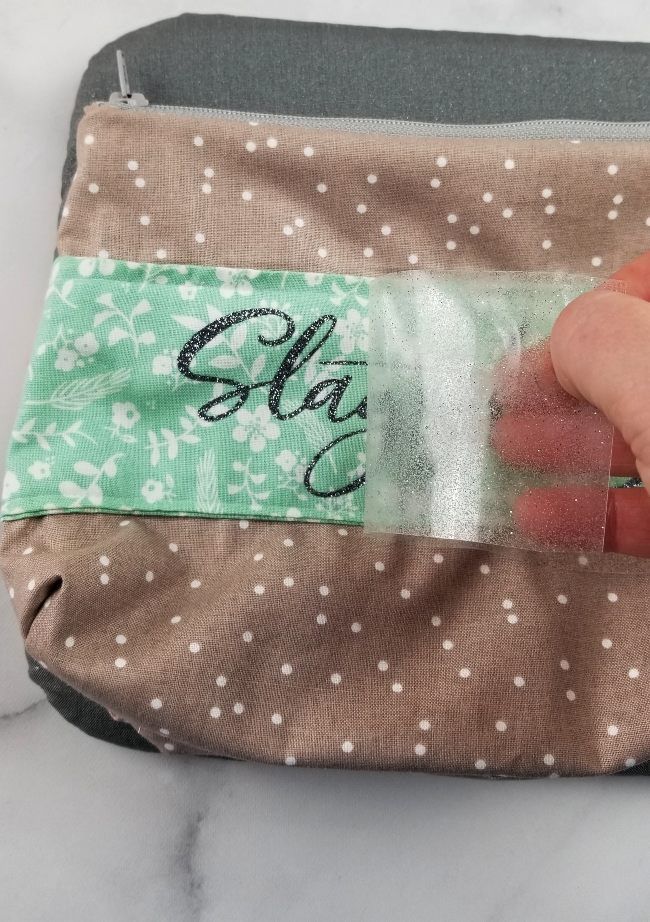
Give each family member a different design to make toiletry bags easier to tell apart when everyone is getting ready for a trip.
For example, use a small sun for one person, a leaf for another and a simple wave for someone else. These visual symbols can be more useful than names when several bags look alike.
Choose a compatible bag with a smooth, accessible pressing area. Zippers, thick seams and padded sections can stop the press from making even contact, so measure the available space before sizing your design.
Check the bag’s construction too; a coated or waterproof finish does not automatically make it suitable for Infusible Ink.
9. Reusable Wine Gift Bag
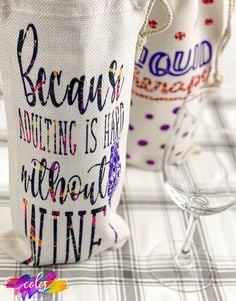
When giving a bottle as a housewarming, wedding or dinner-host gift, a personalised fabric bag can make the presentation feel more thoughtful.
Try a simple olive-branch illustration, a pair of glasses or a small design that reflects the occasion. For a wedding gift, the couple’s initials and wedding year can work well if the lettering remains large enough to cut cleanly.
Look for a compatible fabric wine bag with enough flat space for the design. The narrow shape may limit how large you can make the artwork, so measure the front panel rather than sizing the design from the bag’s overall height.
The bottle should be removed before pressing, and the bag should be prepared according to the blank’s instructions.
10. Personalised Lunch Tote
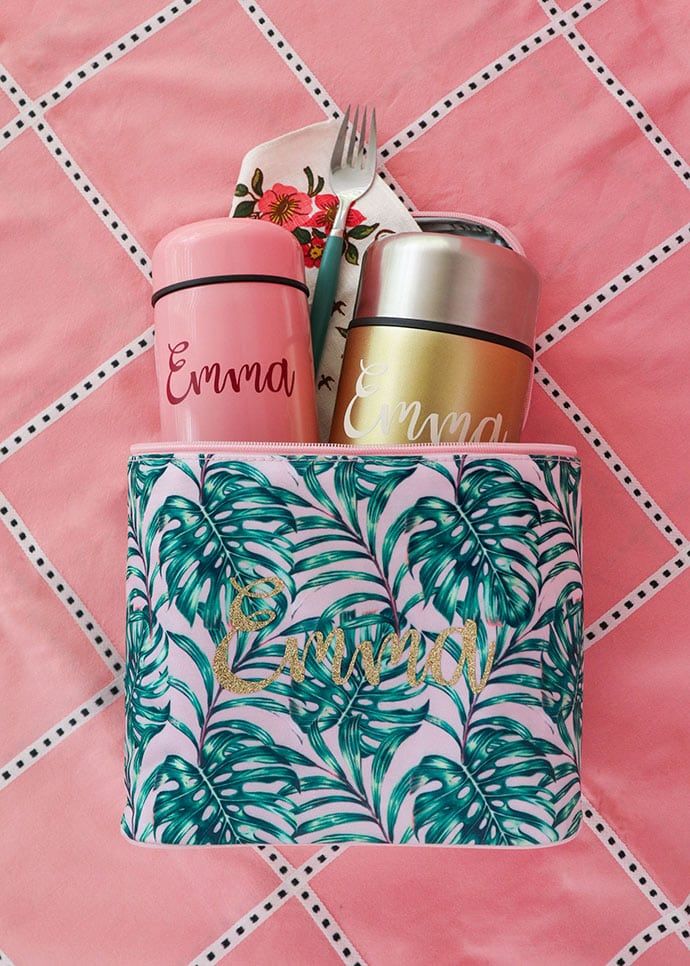
Help a child distinguish their lunch bag from classmates’ bags by using a favourite animal, a football, a flower or another recognisable symbol.
For adults, a simple coffee cup or fruit illustration could make a work lunch tote easier to identify in a shared office fridge area.
The important detail is the bag’s construction. Many lunch totes are insulated, padded or coated to help control temperature or resist spills, and those features can make them unsuitable for heat transfer.
Choose a compatible blank with a suitable pressing surface instead of assuming an ordinary insulated bag will work. Keep the design clear of handles, seams and bulky edges.
11. Travel-Day Tote With a Destination-Inspired Graphic
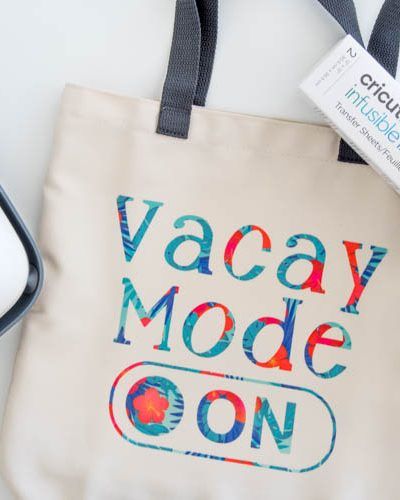
Create a tote that reminds you of a favourite place or an upcoming trip.
Someone visiting Paris might choose a simple Eiffel Tower silhouette; a beach holiday could inspire a wave and sun design, while a mountain trip could use a clean outline of a mountain range.
These designs can also make useful gifts for friends travelling together.
Use a graphic that remains clear at the size your tote can accommodate. Very fine lines and tiny details may be harder to weed from an Infusible Ink Transfer Sheet, especially for a first project.
Before cutting, check the tote’s usable panel and leave enough space around the handles and seams for even pressing.
12. Craft-Class Supply Bag
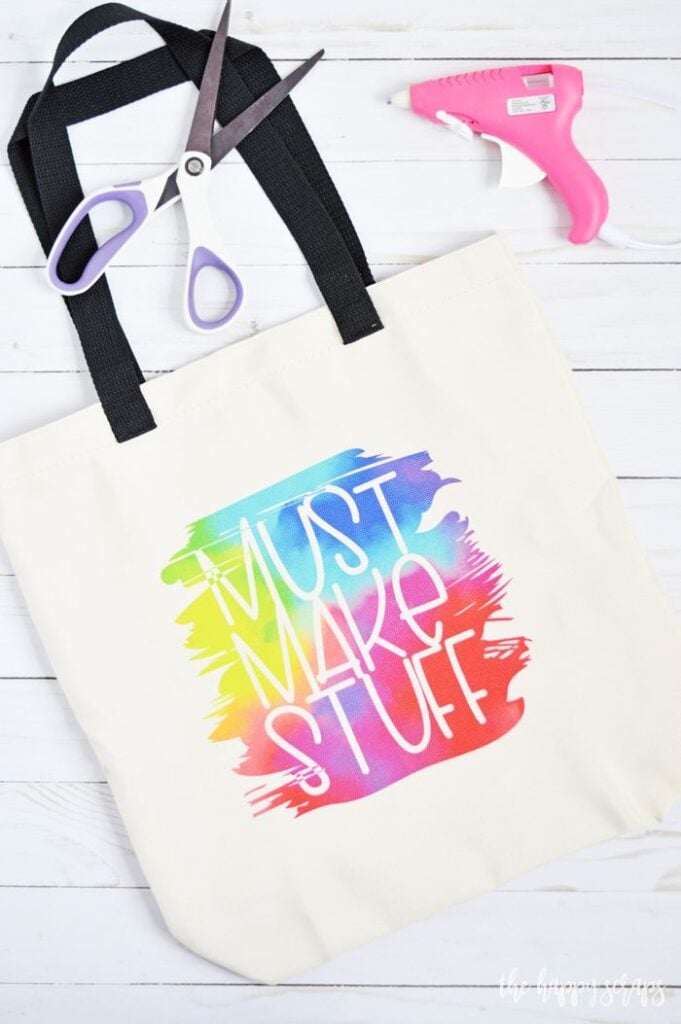
Keep supplies for a painting workshop, sewing class or children’s craft session together in a bag with a simple visual design.
For example, a paintbrush with a few colourful shapes could suit an art class, while scissors, a pencil and a paper shape could represent a general craft group.
You could make matching bags for workshop participants or use different symbols to distinguish each person’s supplies.
Choose a compatible tote that can handle the size and weight of the items you plan to carry. Keep the design on the broad front panel, away from the bottom seam and handles.
If you’re preparing bags for a class, make one first to check the finished size and placement before making the rest.
For more beginner-friendly inspiration, browse these 19 Easy Cricut Projects for Beginners and choose a project that matches your current skills and supplies.
Home, Hosting and Shared Spaces
13. Coordinated Pair of Infusible Ink Coasters
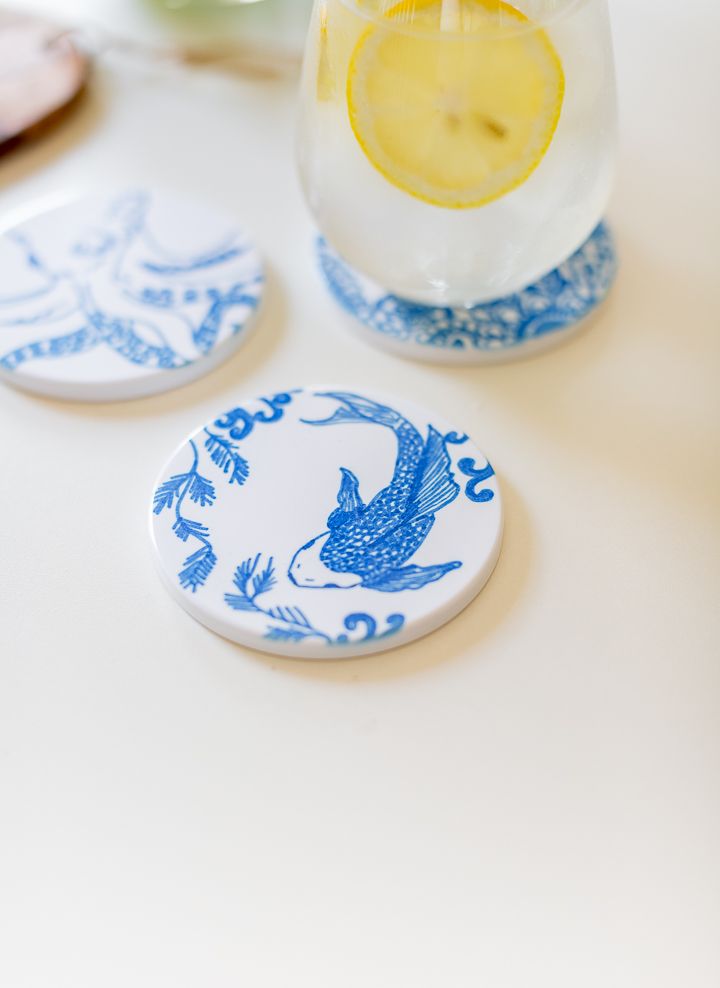
Matching coasters can make a thoughtful housewarming or wedding gift, especially when the designs connect in some way.
For example, create two halves of a simple sun illustration, with each coaster showing a different part of the design. You could also use matching leaf outlines in different arrangements or combine two colours in a geometric pattern.
Before cutting, check the size of the compatible coaster blank and the area available for the design. Place the artwork in the centre of the coaster’s usable surface in Cricut Design Space, leaving a little space around the edges.
For a two-part design, arrange both pieces on screen first to check that they look balanced when placed side by side.
Follow the instructions for the exact coaster blank, including its recommended heat settings and pressing method, rather than assuming all coaster blanks use the same process.
14. Set of Coasters for a Home Office
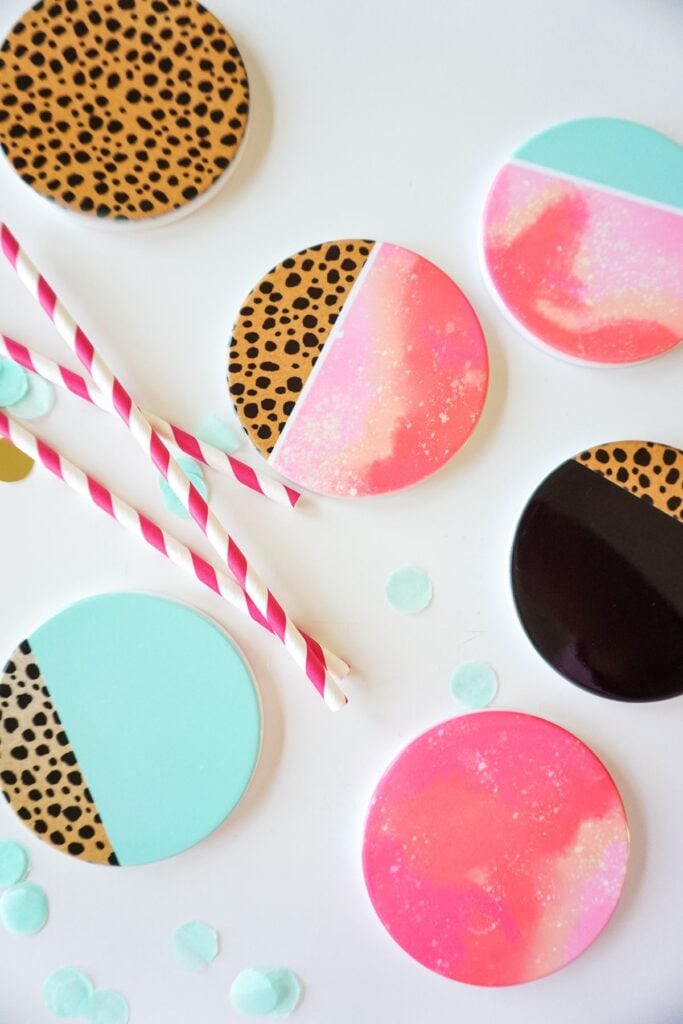
For someone who works from home, four coasters with related symbols can make a useful desk set.
Try a book for reading, a cup for coffee, a leaf for a little greenery and a laptop for work. The designs can share the same line style and size without being identical, so the set looks coordinated rather than repetitive.
Start by measuring one coaster and deciding how much of its surface the design should cover. Use the same design area for all four in Cricut Design Space, then change the symbols while keeping their visual weight similar.
For instance, a laptop silhouette may look larger than a leaf even when both have the same height, so compare how much space each shape occupies.
This small check helps the finished set look balanced. Use compatible blanks and follow their individual pressing instructions.
15. Guest-Room Pillow Cover
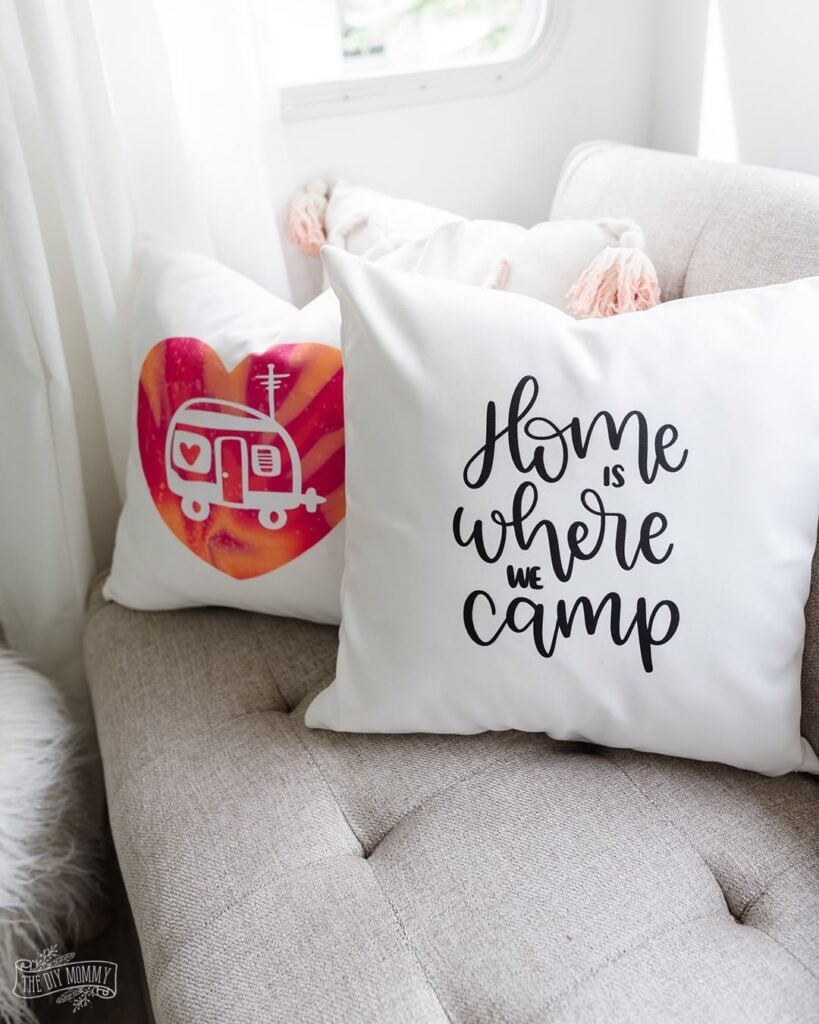
A pillow cover can be a useful project for a guest room, especially when you want to add a personal touch without buying a whole new set of bedding.
A simple branch, small wildflower illustration or repeating geometric pattern can suit a neutral room without making the design too busy.
Choose a pillow cover specifically compatible with Infusible Ink; an ordinary cotton cover is not automatically suitable. Before cutting, measure the flat front panel and decide whether the design should sit in the centre or slightly above it.
Keep the artwork away from the seams and edges, where the press may not make even contact.
If the cover has a zipper, raised stitching or a thick hem, check the pressing instructions and arrange the cover so those features do not interfere with the design area.
16. Seasonal Pillow Cover
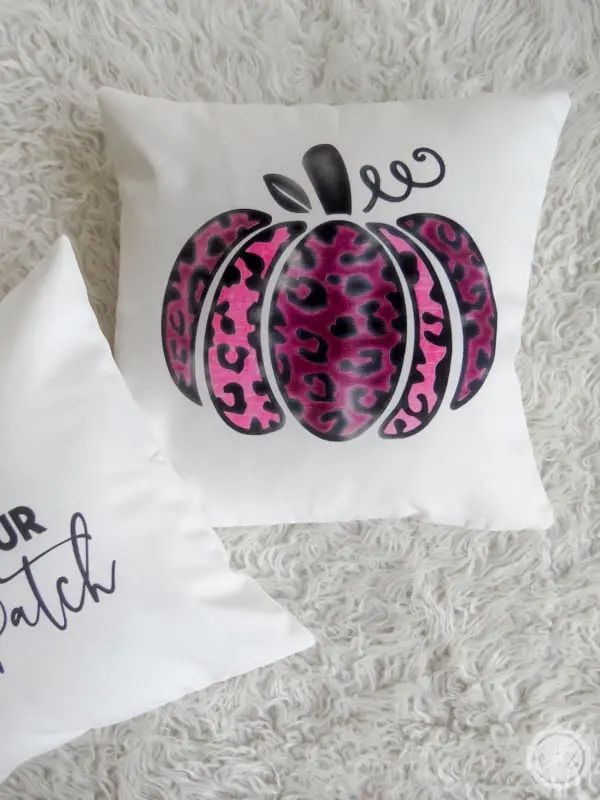
Instead of buying new decorations for every season, make a compatible pillow cover that can be used for a particular time of year.
Spring could feature simple tulips, summer might use a sun and wave pattern, autumn could have leaves, and winter could use snowflakes or stars. Choose one clear motif rather than squeezing several small images into the same space.
Think about the colours in the design before you cut. Infusible Ink transfers are affected by the colour of the blank, so the finished result may not look the same on a coloured surface as it does on your screen.
A compatible white or light-coloured blank is a sensible choice when you want the colours to show clearly. Measure the cover’s flat panel, leave room around the edges and check the recommended settings for that exact blank.
17. Welcome Pillow for a New Home
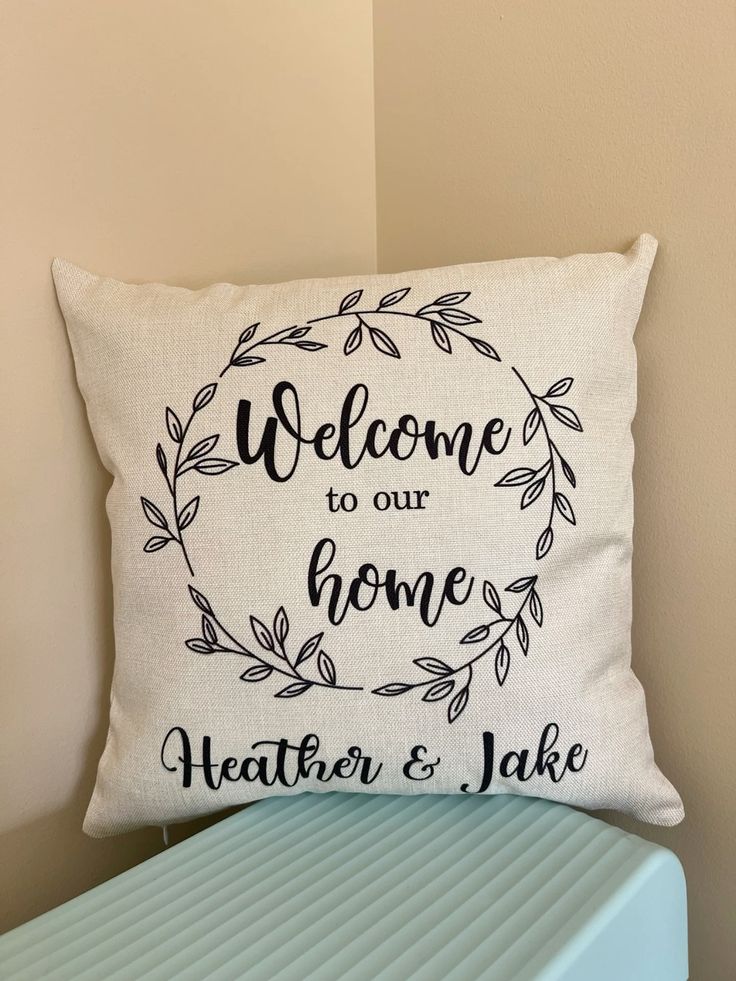
For someone moving into a new house, a pillow cover with a small house outline, a key illustration or a leafy branch can make a personal housewarming gift.
You could add the year of the move or a family surname, but keep the wording short so the image remains the main feature.
For a clean result, use a design with clear shapes and lettering that will still be easy to read from across the room.
Measure the pillow cover before creating the design, and consider how the artwork will look once the pillow is filled.
A design that seems centred on an empty cover may appear too low or too high when the pillow is in use, so allow for the way the cover will sit. Confirm that the cover is compatible with Infusible Ink and follow its pressing instructions.
18. Coordinated Set of Small Occasion Coasters
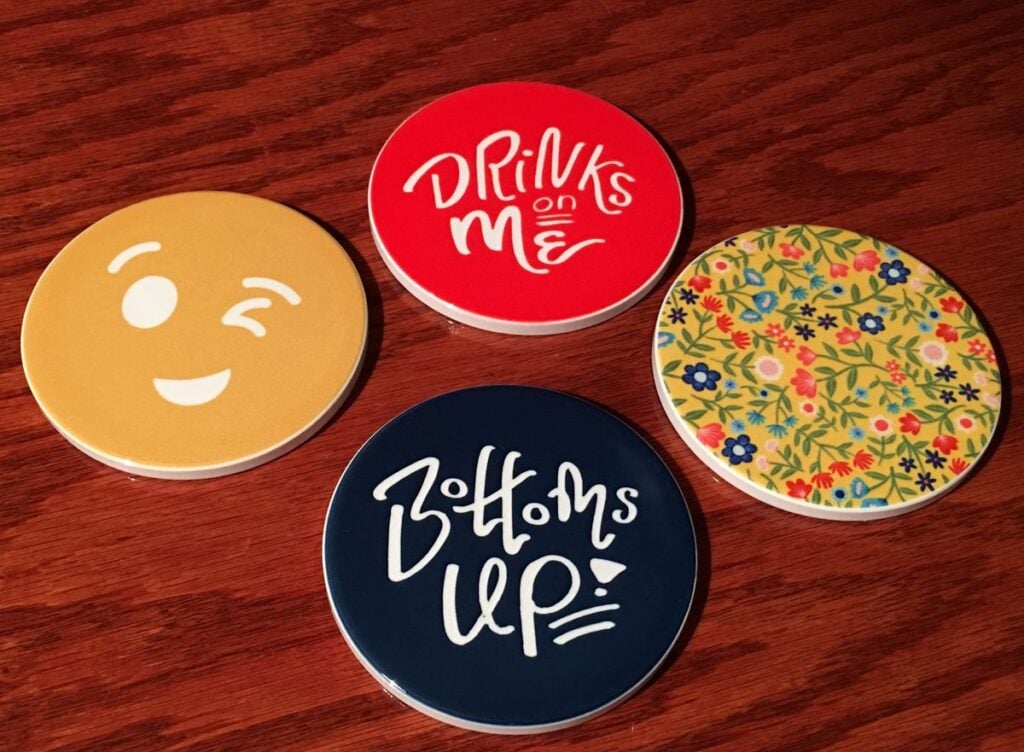
Birthday dinners, family gatherings and housewarming parties are good reasons to make a set of coasters with a shared theme.
For a birthday, you could use stars and confetti shapes; for a housewarming, try small house outlines; for a family gathering, use a simple motif that connects to the occasion. The designs can differ slightly while using the same colours and style.
Lay out the full set in Cricut Design Space before cutting anything. This lets you compare the designs and spot one that looks too crowded or too small beside the others.
Then measure the actual usable surface of each compatible coaster blank and make sure the artwork fits within it. Don’t rely on the size shown in a product photograph, as the pressing area may be smaller than the coaster itself.
If you’re making several sets, complete one coaster first to check the design size and transfer result before using the rest of your materials.
Looking for products you could make to earn extra money? These 25 Easy Cricut Projects to Make and Sell for Extra Money offer ideas to consider before investing in materials.
Hats and Occasion-Specific Projects
19. Personalised Everyday Cap
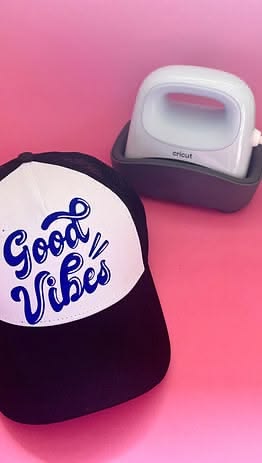
A cap with a small design can make a useful gift for someone who enjoys gardening, fishing, walking or spending time outdoors.
For example, use a simple fish outline for an angler, a leaf for a keen gardener or a small mountain symbol for someone who enjoys hiking. Keep the artwork compact so it suits the front panel without competing with the shape of the cap.
The important part is choosing the right blank and pressing setup. Not every cap is suitable for Cricut Infusible Ink, and the curved front makes it harder to apply even heat than on a flat T-shirt.
Look for a compatible cap blank and use the recommended hat form and pressing method for that product.
Cricut’s Hat Press instructions explain how to prepare and support the cap during pressing; a flat heat press should not be treated as an automatic substitute. Check the recommended settings before starting.
20. Matching Set of Event Caps
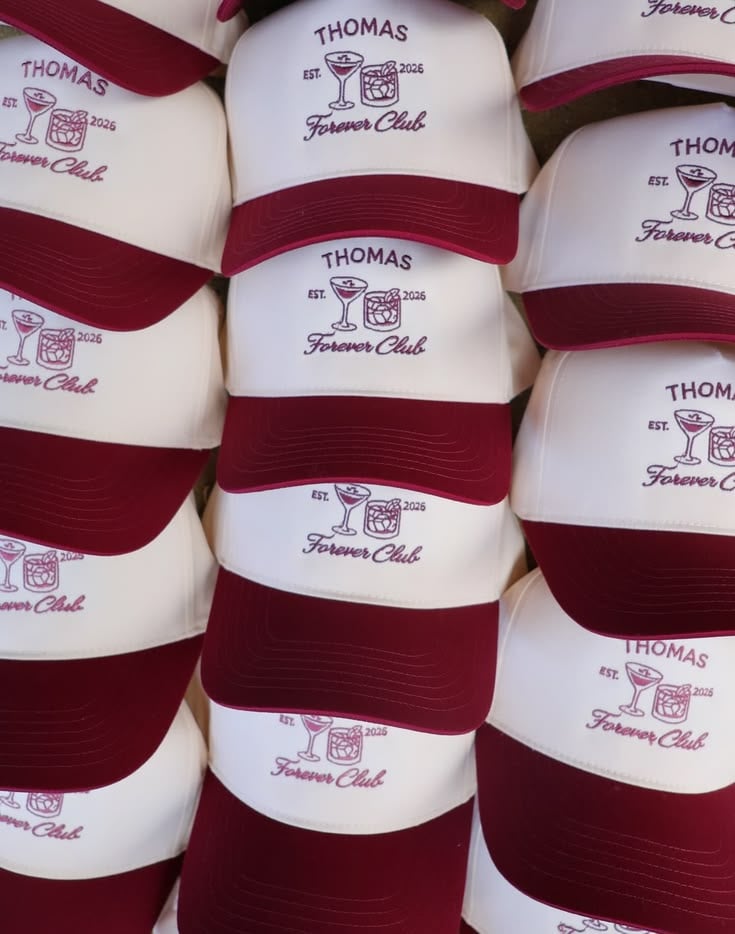
Matching caps can help people recognise one another at a family reunion, walking event or outdoor club gathering.
For a reunion, use the family surname with a small shared symbol. For a walking group, a simple shoe or route marker could work better than a long phrase that is difficult to read on a small curved panel.
Before making several caps, create one sample and check how the design looks when worn. A graphic that looks large on the screen may appear too wide on the cap, especially near the curved seams.
Keep the design within the usable front panel and use a compatible blank with the recommended hat-pressing setup.
Once the sample looks right, reuse the same design and placement for the remaining caps. This helps the set look consistent without guessing at each one.
21. Holiday-Themed T-Shirt
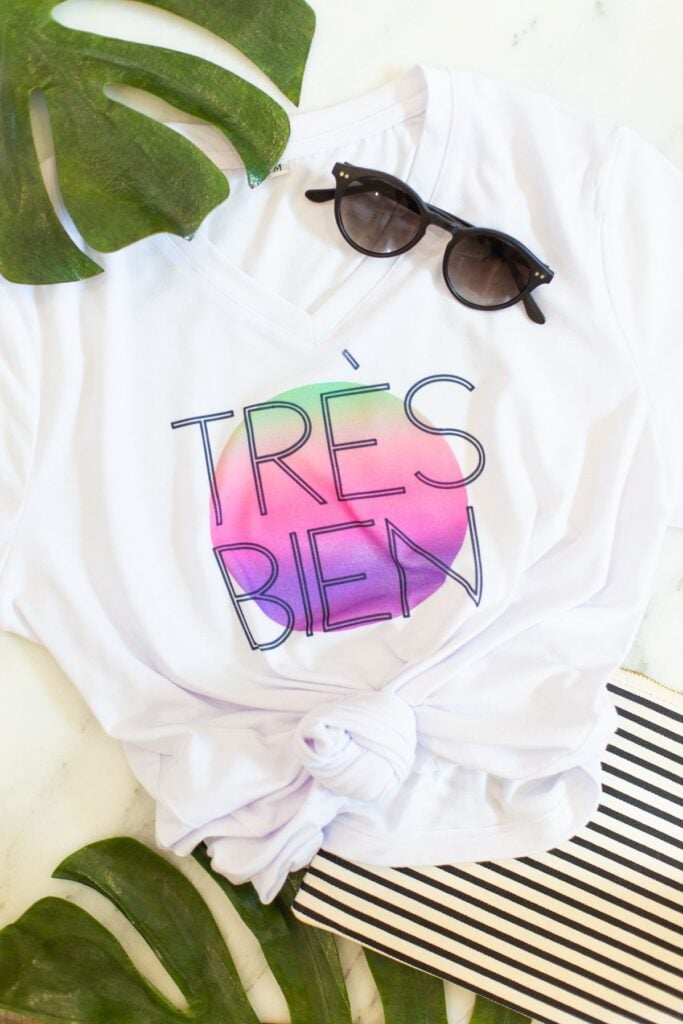
Holiday shirts can be made for many occasions, from Christmas and Halloween to Easter, Diwali or a family celebration.
For Christmas, you could use a simple star and tree design; for Halloween, try a bold pumpkin silhouette; for Easter, a small group of flowers or a rabbit outline could work.
Choosing a clear shape makes the design easier to cut and weed than one filled with tiny details.
For this type of Cricut project using Cricut Infusible Ink, check the shirt’s compatibility before choosing your design.
A regular cotton shirt is not suitable for the intended Infusible Ink transfer, so look for a compatible blank, usually in a light colour if you want the design colours to show clearly.
Measure the front panel and size the artwork for the shirt, leaving room around the collar and seams. If you’re making shirts for a group, test one before cutting all the designs.
22. Birthday Celebration T-Shirt
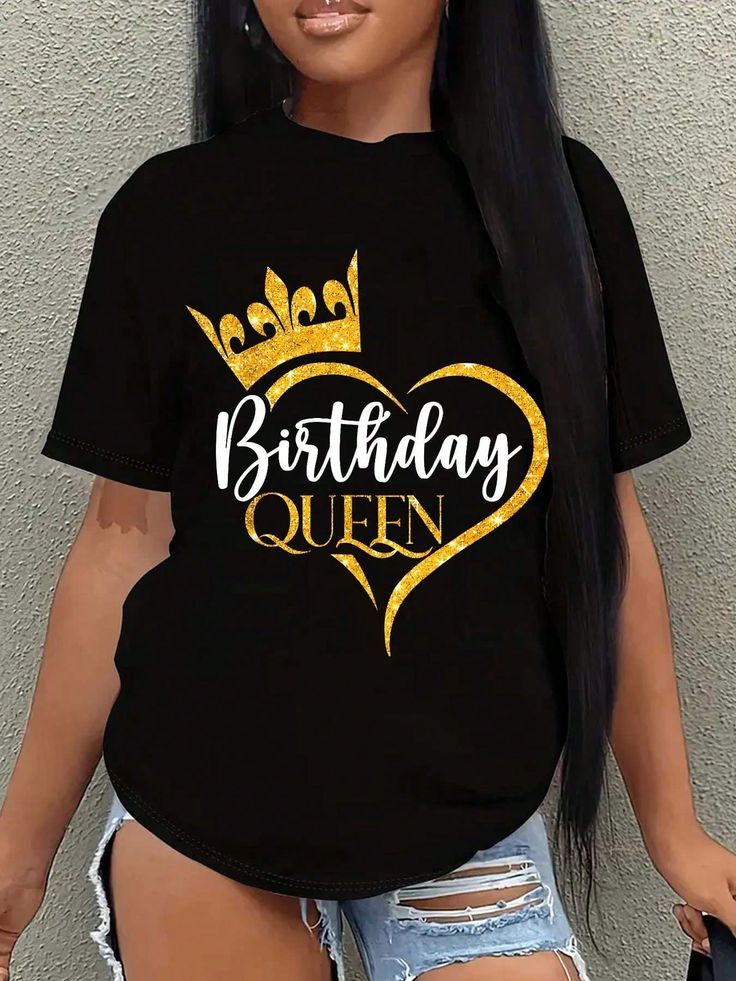
A birthday shirt can be personalised for a child, an adult or someone celebrating a milestone age. For a child’s party, try a large number surrounded by stars or balloons.
For an adult’s birthday, use the person’s birth year with a small cake or confetti design. If the shirt is for the whole birthday group, use the same graphic on each shirt and change only the name or number where needed.
Remember to mirror the design before cutting Infusible Ink Transfer Sheets. This is especially important for numbers, names and other lettering, which would otherwise transfer backwards.
Use a compatible, light-coloured shirt, and check the available pressing area before finalising the size. For a design with separate pieces, arrange them carefully on the shirt so the spacing looks balanced before applying heat.
23. Graduation or Achievement T-Shirt
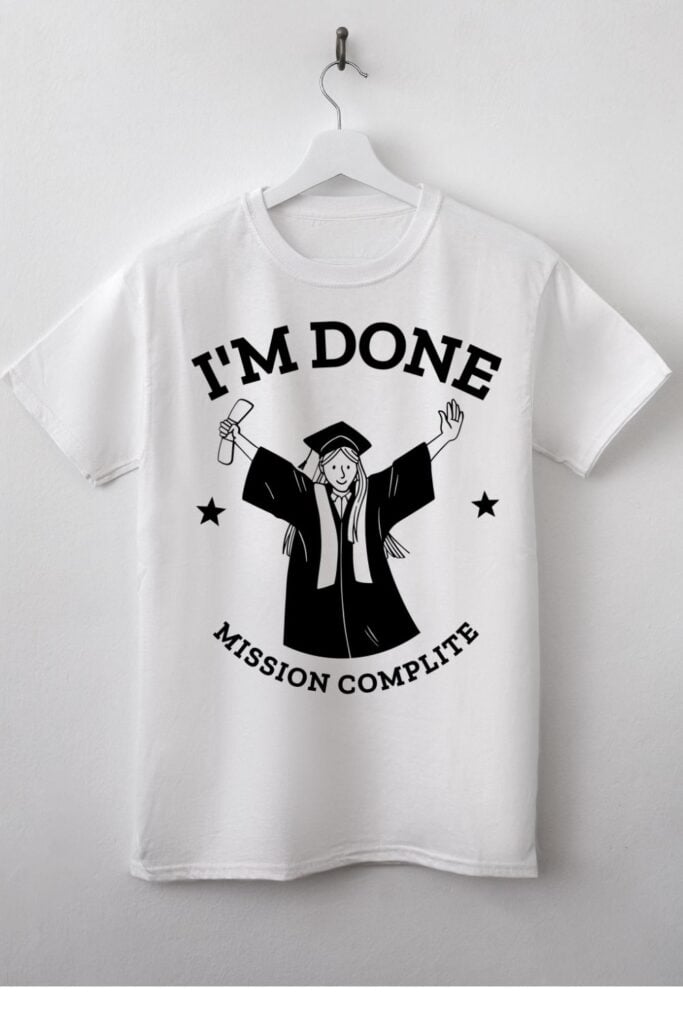
Graduation shirts can mark the end of school, college, a training course or another important achievement.
For example, create a graduation-cap silhouette with the year, or use a short phrase such as “Class of 2026” with a few stars. A club could also make shirts for members who have completed a shared challenge or course.
Keep the main design within an area that your heat press can cover evenly. If the artwork is too large for the press, you may need to follow a different recommended method for that blank rather than moving the press over the same design and risking uneven results.
Use a compatible shirt and check the heat settings for that specific garment. Before cutting, confirm that the year and wording are correct, then mirror the design.
24. Matching Birthday Tote and T-Shirt
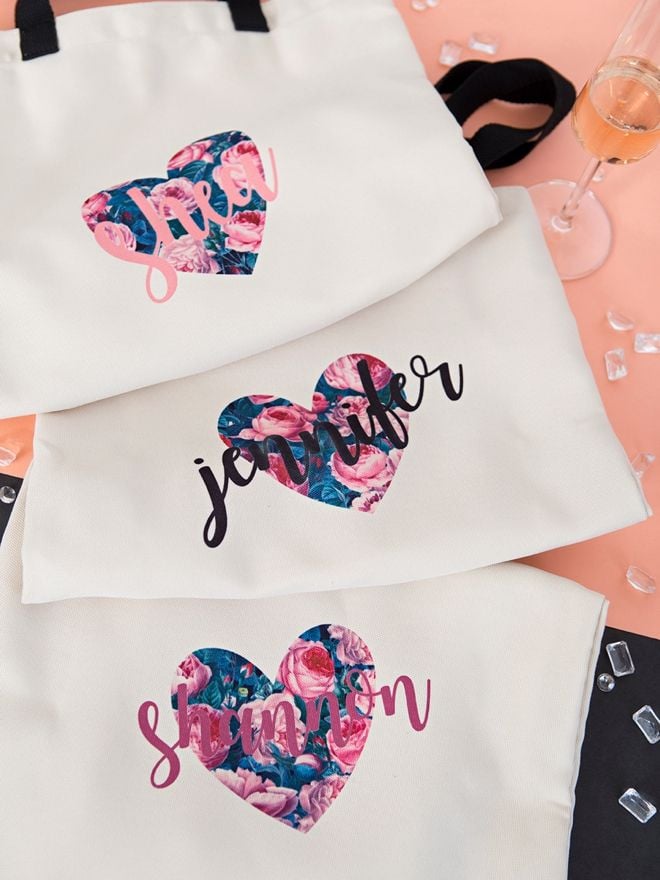
For a birthday celebration, make a matching tote and T-shirt using the same small graphic, such as a birthday cake, a favourite animal or a cluster of stars.
The tote could be a gift bag for the birthday person, while the shirt is worn during the celebration. This is also a useful way to create a coordinated gift without making two completely different designs.
Use the same artwork as your starting point, but don’t assume it should be the same size on both items. Measure the usable panel on the tote and the front of the shirt, then resize the graphic to suit each surface.
Both blanks must be compatible with Infusible Ink, and their pressing instructions may differ. Complete each transfer using the settings recommended for its blank rather than using one heat setting for both items.
25. Hand-Drawn Illustration Transfer for a Tote or T-Shirt
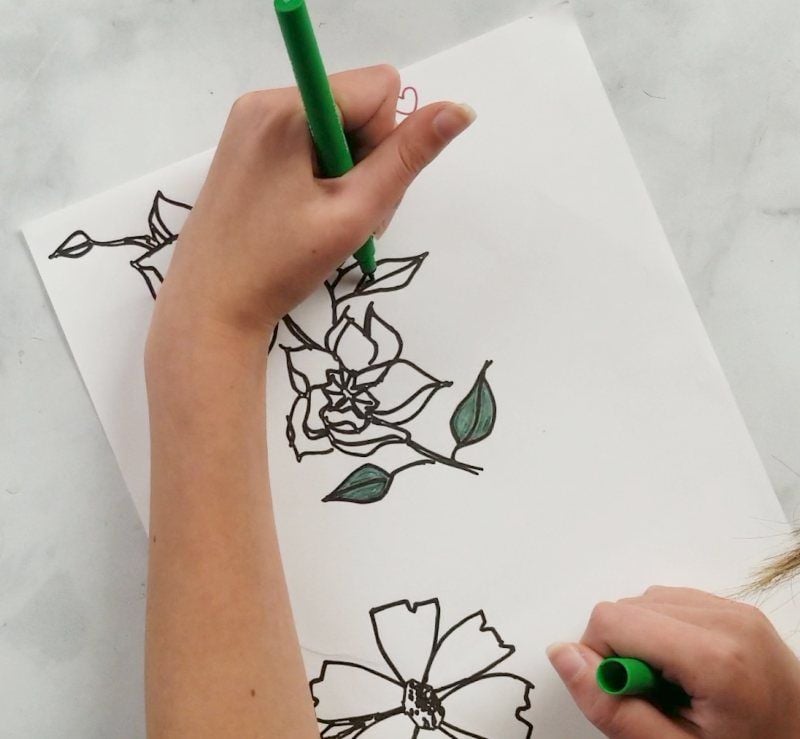
Not every Infusible Ink project has to begin with a design made from shapes and text in Cricut Design Space. You can also create your own drawing with compatible Infusible Ink Pens or Markers.
For example, draw a child’s simple flower picture, a pet’s outline or a small illustration for a personalised tote. This can make a gift feel more personal because the artwork comes from your own hand.
Use the pens or markers to draw on laser copy paper as directed in Cricut’s instructions; don’t draw directly onto the blank and expect the same transfer process.
Remember that the design will need to be mirrored, particularly if it includes words.
Place the paper drawing face down on a compatible blank and follow the recommended pressing method. Simple outlines are a good starting point because they are easier to draw, position and check before transferring.
Have vinyl and want to put it to good use? Explore these 23 Cricut Projects for Beginners Using Vinyl for project ideas that help you practise working with this versatile material.
What Supplies Do You Need for Cricut Infusible Ink Projects?
Before buying supplies for Cricut Infusible Ink projects, decide what you want to make. Someone creating a T-shirt with a transfer sheet won’t need exactly the same materials as you probably drawing a design with Infusible Ink Pens.
Buying the right supplies for your first project can save you money and prevent a frustrating transfer.
1. Cricut Cutting Machine
You’ll need a compatible Cricut cutting machine to cut Infusible Ink Transfer Sheets into shapes, lettering and patterns. Compatible machines can also draw designs with Infusible Ink Pens and Markers.
Check Cricut’s current compatibility information before purchasing materials, as not every machine or accessory works with every product.
Amazon tip: Link to a compatible Cricut machine only if the reader needs one. Someone who already owns a suitable machine may only need transfer sheets, pens or a blank.
2. Infusible Ink Transfer Sheets, Pens or Markers
These are the materials that provide the dye for your design, but they work in different ways.
- Transfer Sheets: Choose these for ready-made colours and patterns. Your Cricut machine cuts the design from the sheet, and you remove the excess material before transferring it with heat.
- Infusible Ink Pens and Markers: Choose these if you want to draw your own design. The artwork is drawn onto laser copy paper using the recommended method, then transferred to a compatible blank.
For example, a bold Christmas tree or a name design may be easy to cut from a transfer sheet. A child’s hand-drawn flower or a simple illustration could be more suitable for the pen method.
3. Compatible Blanks
The blank is the item that receives the design, such as a T-shirt, tote bag, pillow cover, coaster or cap. This is one of the most important purchases because Infusible Ink doesn’t work as intended on every surface.
For fabric projects, look for a compatible blank with the appropriate material composition. Ordinary 100% cotton is not suitable for the intended Infusible Ink transfer.
For other items, check the blank’s compatibility and follow the manufacturer’s instructions; a white surface alone doesn’t guarantee a successful result.
4. Compatible Heat Press
Infusible Ink needs the correct combination of heat, time and pressure to transfer properly. The press you need depends on the item you’re making.
A suitable EasyPress or another press that meets the project’s requirements may work for flat items. Curved items, such as caps, need the appropriate pressing setup and support.
A regular household iron should not be assumed to provide the same controlled results.
Before starting, check the recommended settings for the exact blank and press combination using Cricut’s Heat Guide. Don’t copy a temperature or pressing time from a different project simply because the materials look similar.
Amazon tip: If you recommend a heat press, explain which types of projects it suits. A reader making occasional flat T-shirts has different needs from someone regularly pressing caps or other shaped blanks.
5. Pressing Mat or Recommended Pressing Surface
The correct pressing surface supports the blank and helps the heat reach the design as intended.
Cricut’s EasyPress Mat is designed for use with compatible EasyPress projects, while some items require a different setup.
For example, a T-shirt needs to be arranged so seams and extra layers don’t interfere with the design area. A coaster or cap may require its own recommended pressing method. Follow the instructions for the particular blank instead of assuming one mat or setup suits every project.
6. Butcher Paper
Butcher paper is used during many Infusible Ink transfers to protect the blank and press from stray dye. Follow the instructions for the specific transfer method, including where and how to place the paper.
Use a fresh sheet for each pressing as directed by Cricut. Reusing paper that has picked up dye can leave unwanted marks on another project. Don’t substitute wax paper; it isn’t the same thing and may not be suitable for the heat-transfer process.
Amazon tip: Link to suitable butcher paper and make clear that readers should check the product is appropriate for their intended heat-transfer use.
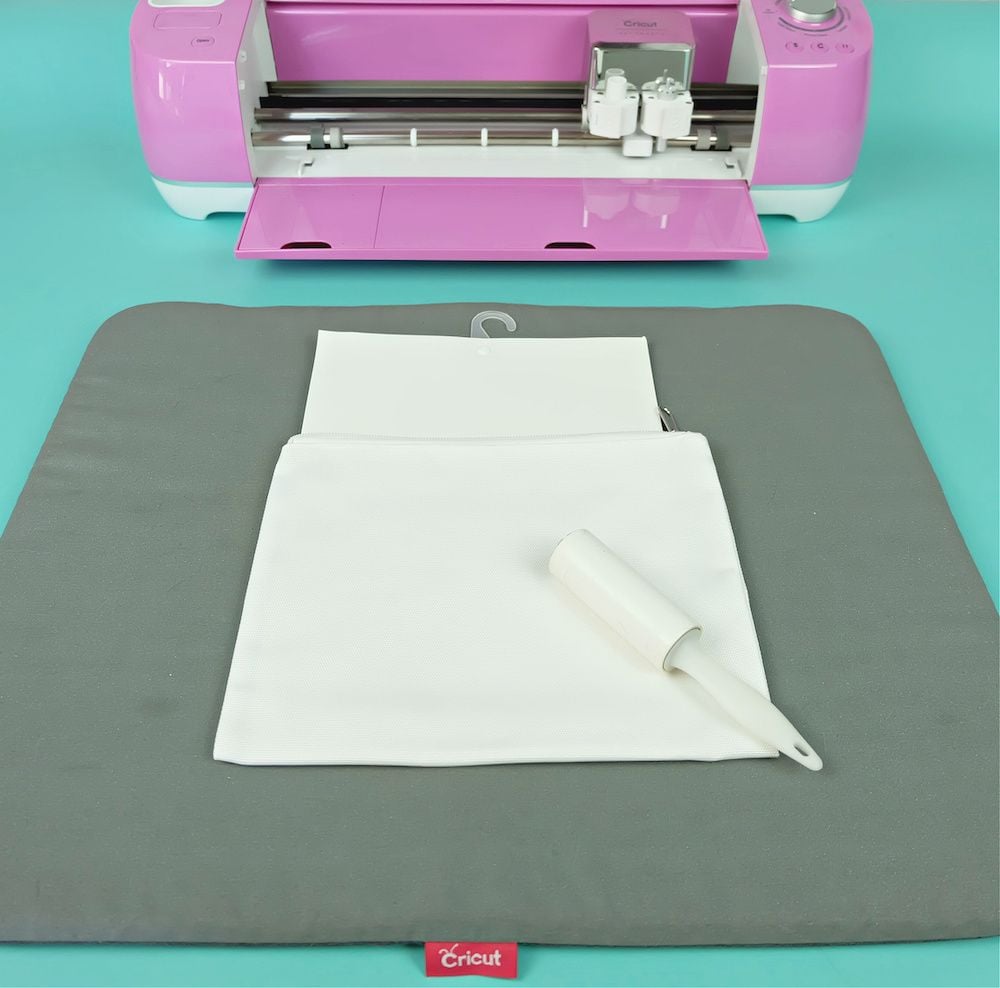
7. Lint Roller
Tiny fibres on fabric can become visible after pressing, leaving small specks in the finished design. A lint roller helps remove loose fibres from the transfer area before you position the artwork.
Roll it over the fabric where the design will go, checking the whole area rather than just the centre. This is a small preparation step, but it can prevent marks that are difficult to remove after the dye has transferred.
8. Cardstock and Laser Copy Paper
These two papers serve different purposes, so it’s worth keeping them separate.
- Cardstock can be used as a protective barrier inside or beneath a project when the instructions call for it. For example, it may help prevent dye from transferring through a garment onto another layer.
- Laser copy paper is used with Infusible Ink Pens and Markers to create the drawing that will be transferred. Follow Cricut’s instructions for the paper and drawing method; ordinary inkjet printing paper or printed designs are not automatically interchangeable with this process.
9. Heat-Resistant Tape and Tweezers
Heat-resistant tape can help hold a design in place when the particular project instructions call for it. This matters when movement during pressing could cause a blurred or doubled image. Use only tape intended for the relevant heat-transfer process, and position it so it doesn’t interfere with the design.
Tweezers can help remove small scraps of transfer material during weeding, especially around intricate shapes. They aren’t essential for every simple design, so beginners can start with basic weeding tools if they already have them.
Which supplies should beginners buy first?
For a first project, start with a compatible Cricut machine, the appropriate Infusible Ink material, one compatible blank, the recommended heat press and pressing setup, and the basic preparation supplies required by the instructions.
Add specialist accessories when a project calls for them.
The best way to keep costs under control is to choose the project first, check its requirements, and buy only what you need to complete it safely and correctly.
How to Get a Clean Infusible Ink Transfer
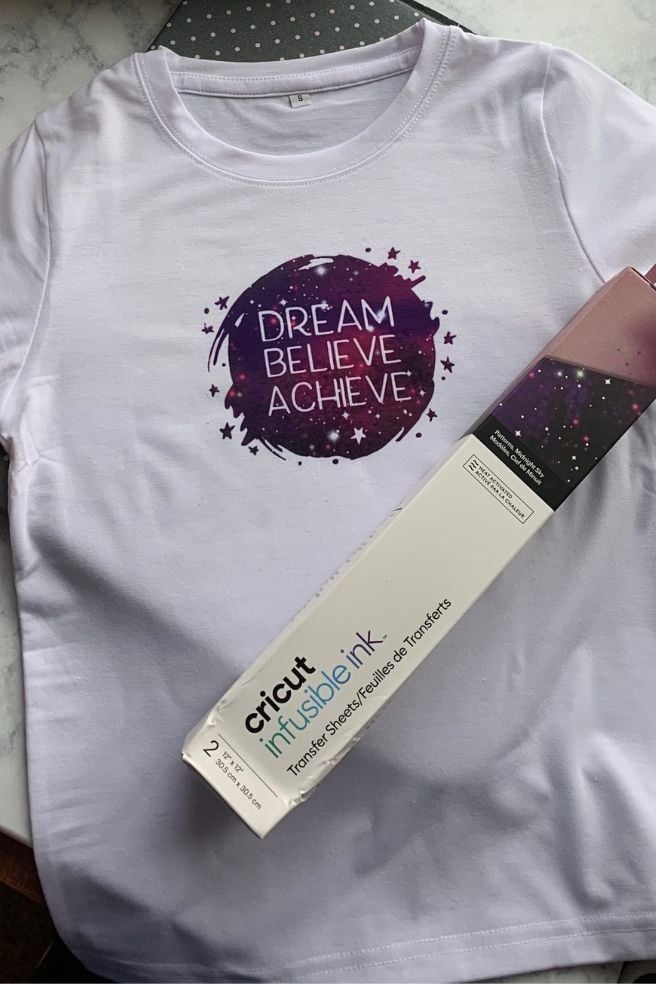
The difference between a crisp Infusible Ink design and one with faded patches, blue specks or blurry edges often comes down to preparation.
Infusible Ink transfers are permanent, so taking a few minutes to prepare the blank and position the design can save you from wasting a shirt, tote bag or coaster.
Cricut’s own troubleshooting guide identifies lint, moisture, uneven pressure and movement during pressing as common causes of poor results.
1. Check the blank before designing
Choose a blank that is compatible with Infusible Ink, then measure the flat area where the design will go.
Don’t size your artwork based on the whole item: a tote bag’s usable panel, for example, is smaller than its full width once you account for handles, seams and the bottom gusset.
2. Size and mirror your design
Create your design in Cricut Design Space and make sure it fits the measured area. Mirror the design before cutting an Infusible Ink Transfer Sheet.
This is especially important for names, dates and phrases because lettering will otherwise transfer backwards. If you’re using Infusible Ink Pens or Markers, follow Cricut’s drawing and mirroring instructions for that method.
3. Cut and prepare the design
Cut the transfer sheet using the material setting recommended for your machine, then remove the unwanted parts around the design.
Cricut recommends gently bending the liner to help separate the cut areas, a method often called cracking, rather than aggressively pulling at the design.
For pen-and-marker projects, draw on laser copy paper as instructed. The paper carries the drawing to the blank; don’t draw directly onto the item and expect the same transfer process. Keep your hands clean and dry when handling the inked sheet or drawing.
4. Remove lint and moisture from the blank
For fabric blanks, use a fresh lint-roller adhesive sheet over the entire design area. Tiny fibres that are hard to see can pick up dye and leave permanent blue specks after pressing.
Then preheat the fabric as directed in the Heat Guide to remove wrinkles and excess moisture. Cricut does not recommend prewashing fabric blanks for Infusible Ink, as washing can increase lint.
5. Layer the project correctly
Place the blank on the recommended pressing mat or surface. For many fabric projects, cardstock goes inside the garment or tote to protect the layers underneath.
Position the design as instructed, cover it with fresh butcher paper that is larger than the heat plate, and make sure the press can sit evenly over the whole design.
Avoid placing the design across seams, zippers, buttons or raised edges. These can stop the heat plate from making even contact, leaving parts of the transfer faded or uneven.
6. Apply the recommended heat without shifting the design
Use the Cricut Heat Guide or the instructions for your exact blank and press to find the correct temperature, time and pressing method. Don’t guess based on another T-shirt or tote bag, even if the materials look similar.
Keep the press and project still throughout the transfer, following the instructions for your particular press. Moving the press can shift the design and create ghosting, a blurry shadow beside the intended image.
When the pressing cycle finishes, lift the press carefully without disturbing the layers. Let the project cool as directed before removing the liner or paper.
Mistakes That Can Ruin an Infusible Ink Project
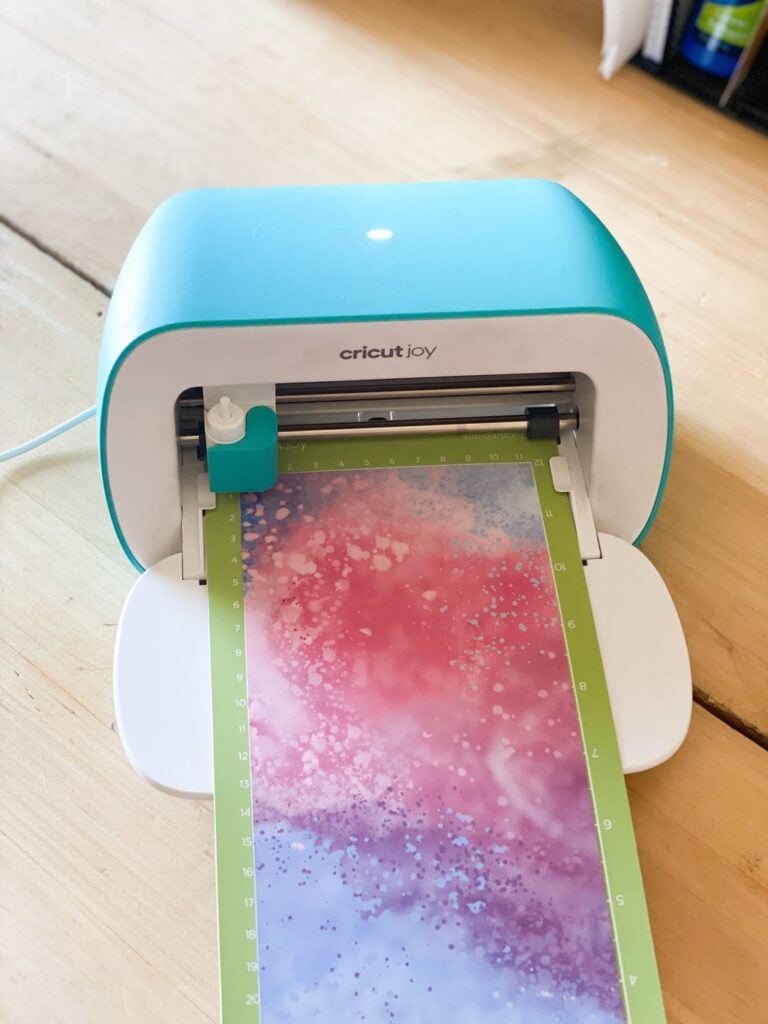
Knowing what causes a failed transfer can save both materials and money. Here are the problems worth watching for when making Cricut projects using Cricut Infusible Ink.
- Using an ordinary 100% cotton shirt: Infusible Ink is designed for compatible materials, and a regular cotton shirt won’t give the intended result. Check the blank’s specifications before buying it.
- Skipping the lint roller: Tiny fibres can create blue specks that become permanent during pressing. Roll the whole transfer area, not just the centre.
- Forgetting to preheat fabric: Moisture can turn to steam under heat and push dye away from its intended position, creating a patchy result. Preheat fabric blanks as directed.
- Pressing over seams or zippers: Raised areas interfere with even heat and pressure. Reposition the design or use the recommended setup to support the flat application area.
- Reusing butcher paper: Leftover dye from an earlier project can transfer onto the next one. Use fresh paper as instructed.
- Moving the press or lifting the layers too quickly: The design can shift while the transfer is hot, leaving a doubled or blurry image. Keep the layers still and lift carefully.
- Guessing the temperature or pressing time: Too much or too little heat can affect colour and transfer quality. Follow the settings for the exact blank and press.
- Touching the inked surface with wet or oily hands: Moisture, lotion and oils can affect the transfer sheet and contribute to uneven results. Handle the materials with clean, dry hands.
One final thing to remember: Infusible Ink mistakes are not as easy to correct as misplaced adhesive vinyl.
Check your blank, design placement and pressing instructions before applying heat. A few careful checks beforehand are much cheaper than having to replace a ruined project.
Conclusion
Cricut projects using Cricut Infusible Ink offer a way to personalise everyday items with colourful designs that become part of the compatible material.
Whether you’re making matching shirts for a family event, a useful tote bag or a thoughtful handmade gift, the best results start with choosing the right blank and following the correct heat settings.
Start with a simple design, prepare your materials carefully, and use Cricut’s Heat Guide for your specific blank and heat press. Once you understand the process, you can create personalised pieces for different occasions without wasting materials on avoidable mistakes.